

Playground
The docs, but clickable. https://mcp-toolkit-playground.fly.dev/mcp is a public toolkit host serving the two self-owned example modules (tasks, orders) with the builder enabled — so you can call a tool and watch a widget render, compose a multi-widget dashboard, chain a render-view pipeline, and save a dashboard, all without cloning anything.
Not the same as the widget playground, which is the browser-only harness for developing a single widget against fixture data. This page is about the hosted MCP server.
What you'll try
The guided tour walks the toolkit's feature surface end to end, one call per stop. Each stop is a feature plus the concept doc behind it:
| Stop | Feature |
|---|---|
| Discover the contract | get-framework-manifest |
| Plain tools | createToolRegistrar domain tools |
| A tool that renders a widget | buildSingleWidgetView |
| A composed view | buildComposedView (multi-widget dashboard) |
| A real pipeline | render-view step chaining |
| Break it — fail-soft | per-step error isolation |
| Builder & dashboards | the visual builder + dashboard CRUD |
Connect
Open https://mcp-toolkit-playground.fly.dev/mcp in a browser and you land on mcp-use's built-in page — per-client install instructions and an "Open in Inspector" button that opens the hosted inspector already connected to the playground:
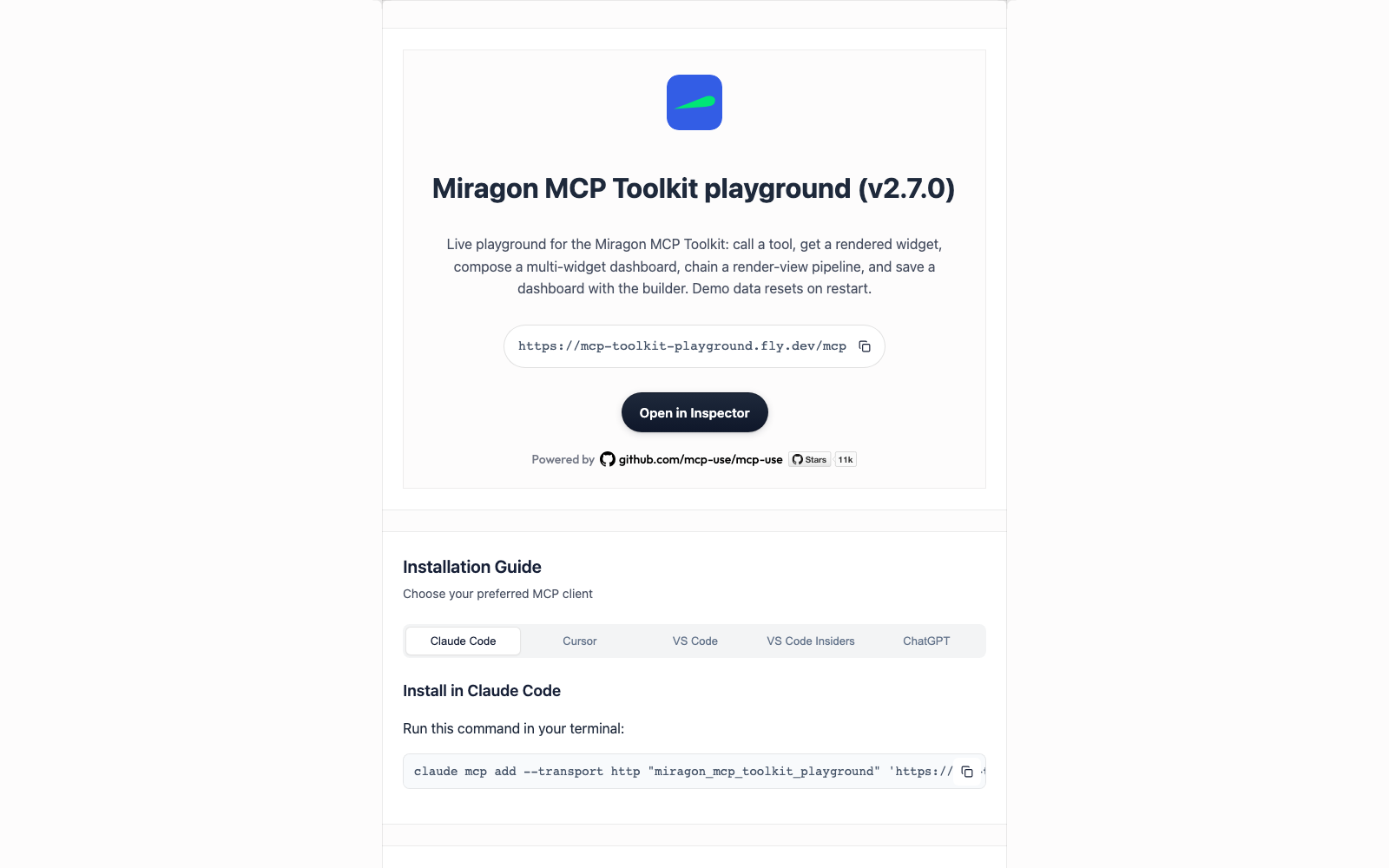
Browser — the "Open in Inspector" button above; nothing to install.
Claude Code:
shclaude mcp add --transport http toolkit-playground https://mcp-toolkit-playground.fly.dev/mcpCursor / VS Code — one-click install links on the landing page.
State is shared and in-memory. Whatever visitors create lives until the Fly machine restarts (it auto-stops when idle) — treat it as a scratchpad.
To run your own copy, use pnpm --filter @miragon/mcp-toolkit-examples start:playground (boots the same host on :3020 with the inspector); the entry is examples/host/playground.ts and the Fly deployment lives in deploy/playground/.