Supported notations
Every notation Diagit draws, the file endings it recognises and where you see it.
| Notation | File endings | File page | PR / MR diff |
|---|---|---|---|
| BPMN | .bpmn | yes | yes |
| DMN | .dmn | yes | not yet |
| Wardley Map | .owm, .wmap | yes | not yet |
| Team Topologies | .tt, .ttm.json | yes | not yet |
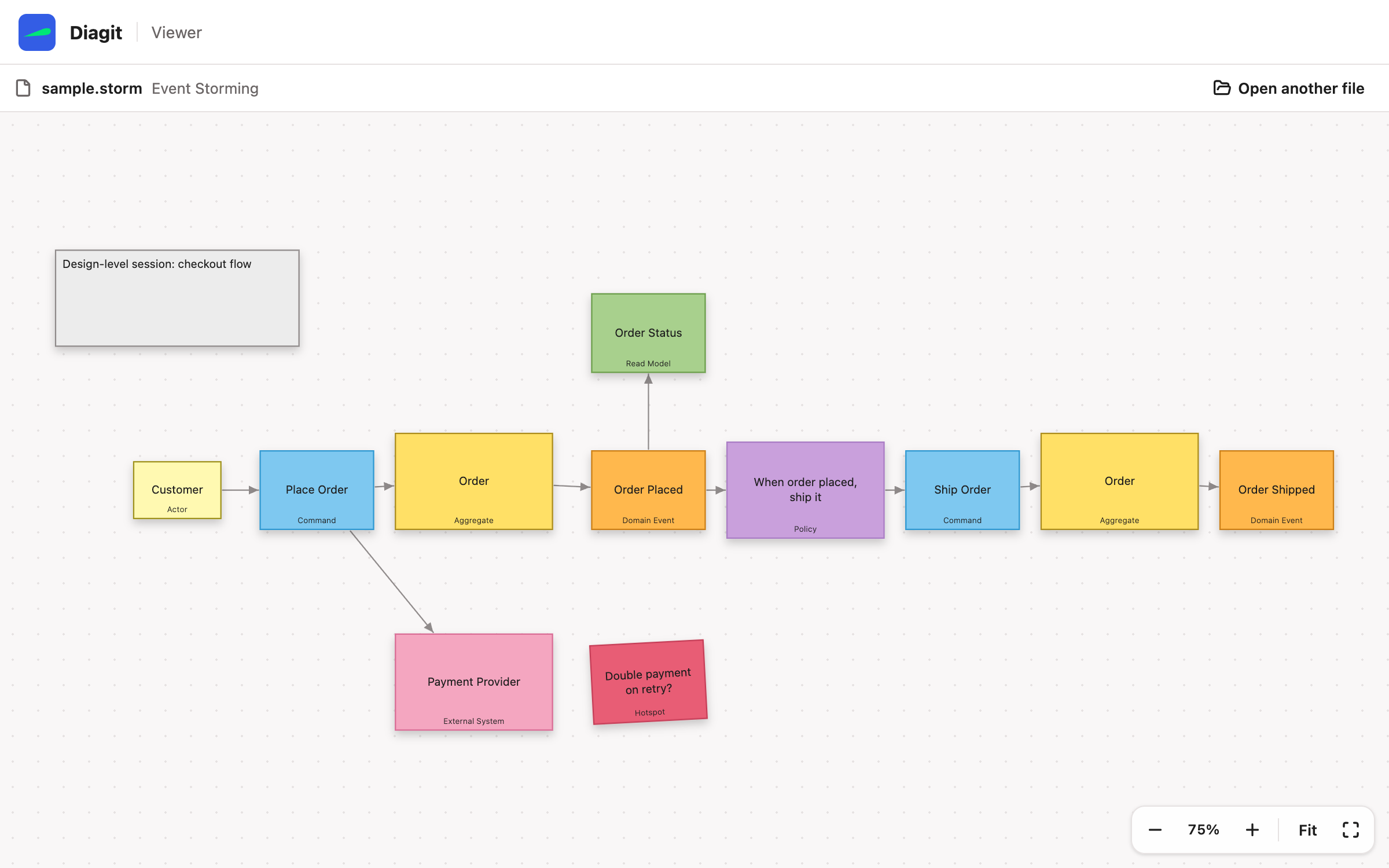
| Event Storming | .storm | yes | not yet |
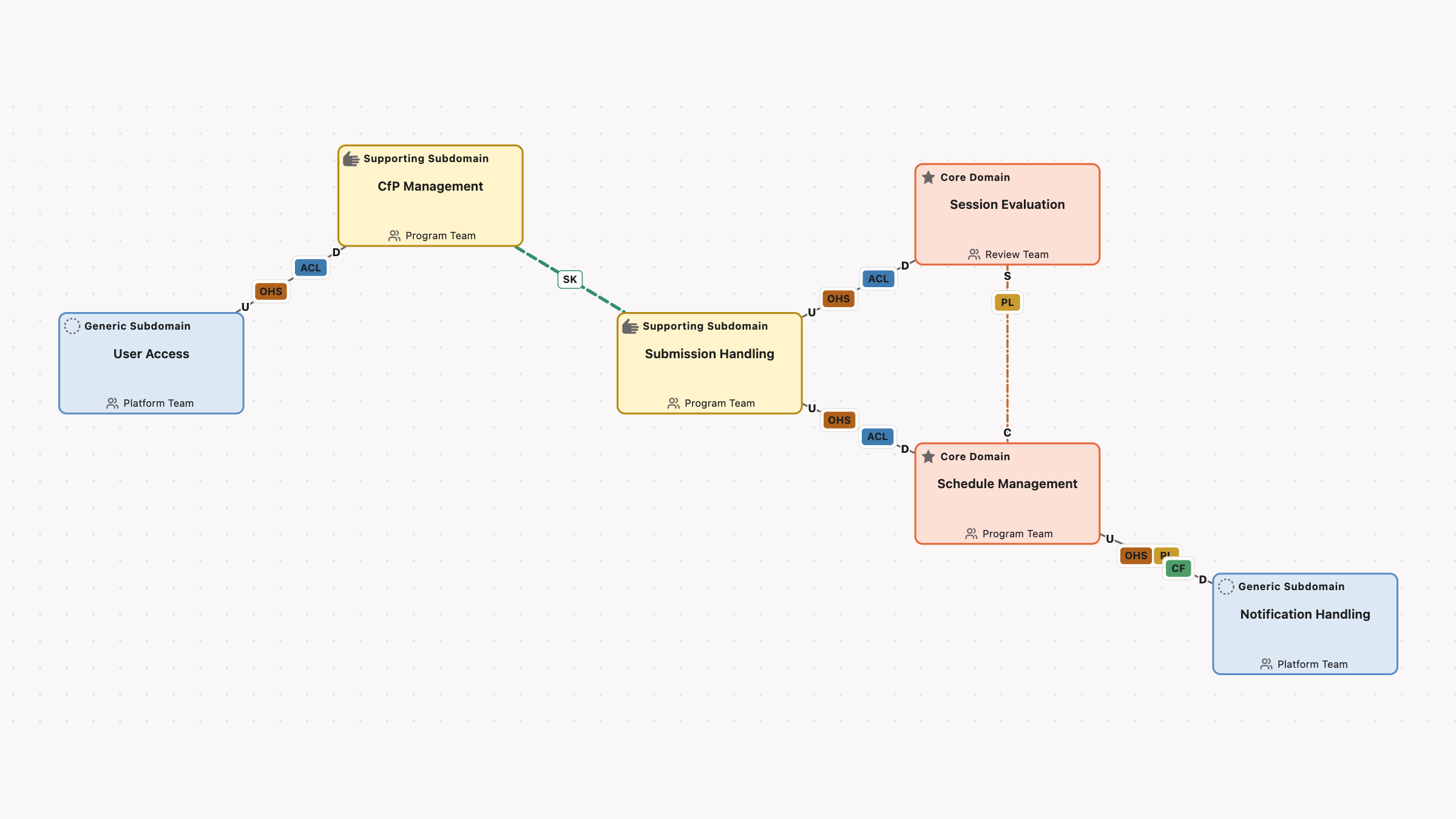
| Context Map | .cm, .cm.json | yes | not yet |
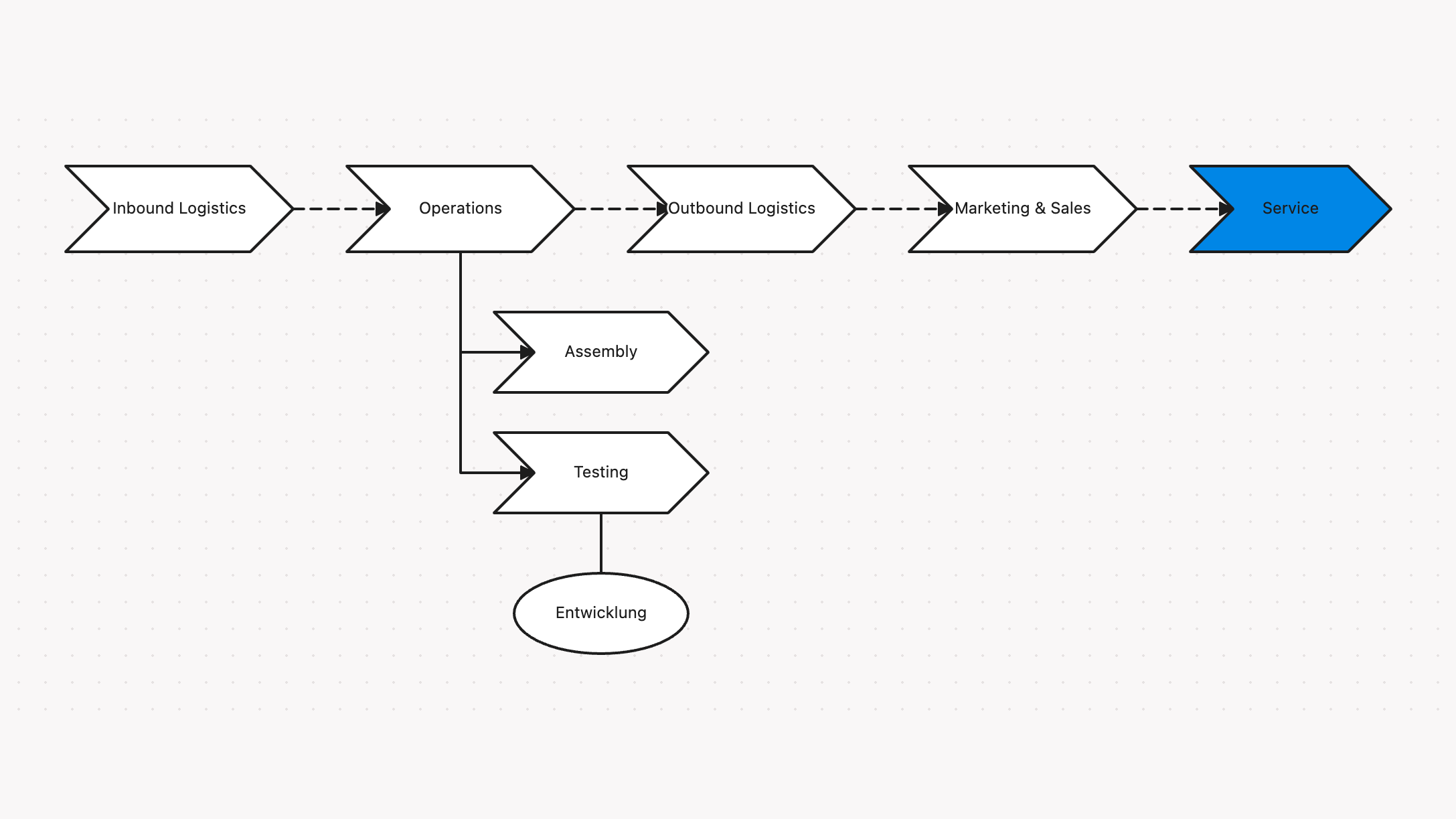
| Value Chain | .vc, .vc.json | yes | not yet |
| Excalidraw | .excalidraw | yes | not yet |
Diagit recognises a file only by its ending. A Value Chain stored as value.json stays text; value.vc.json is drawn.
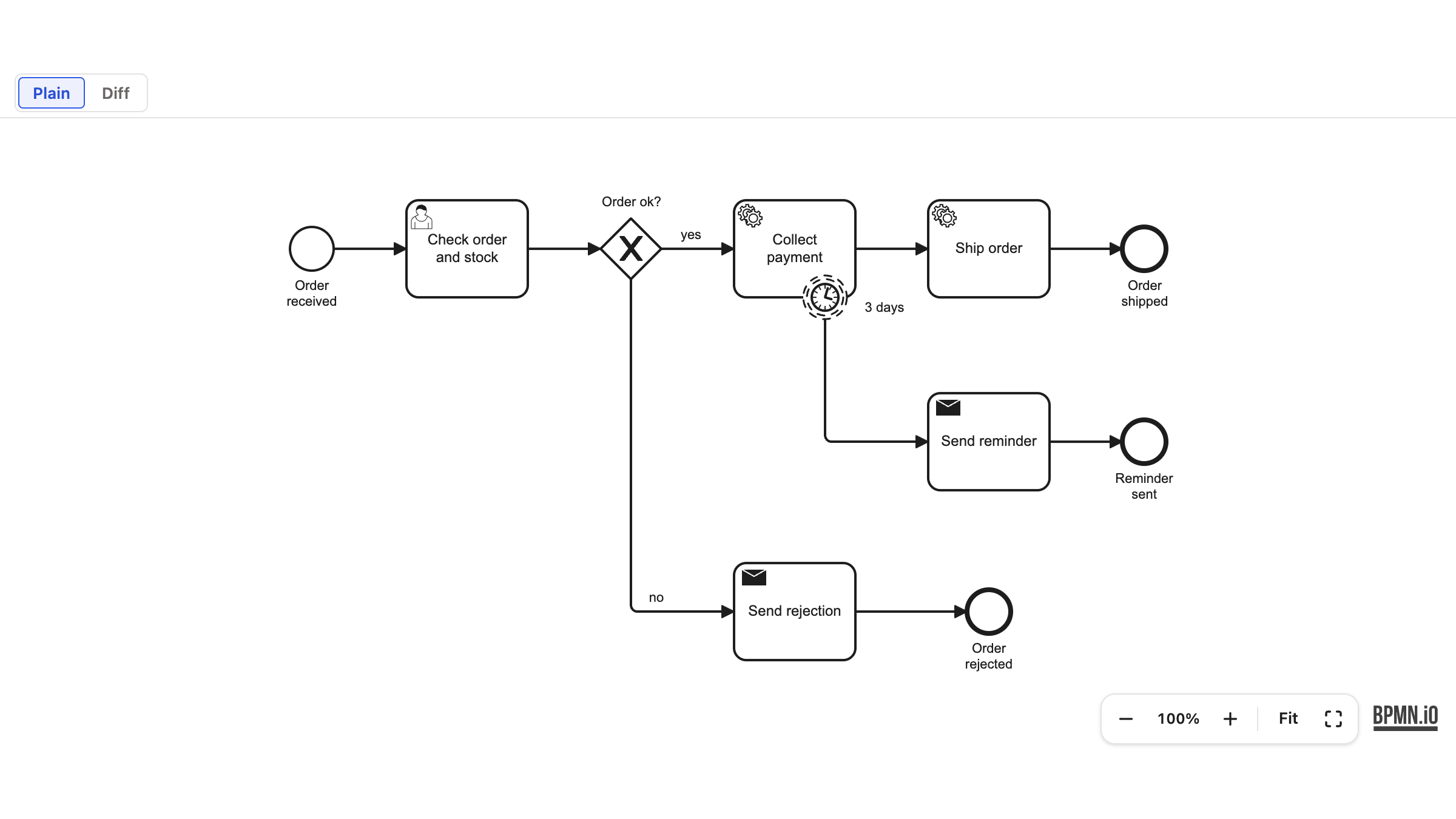
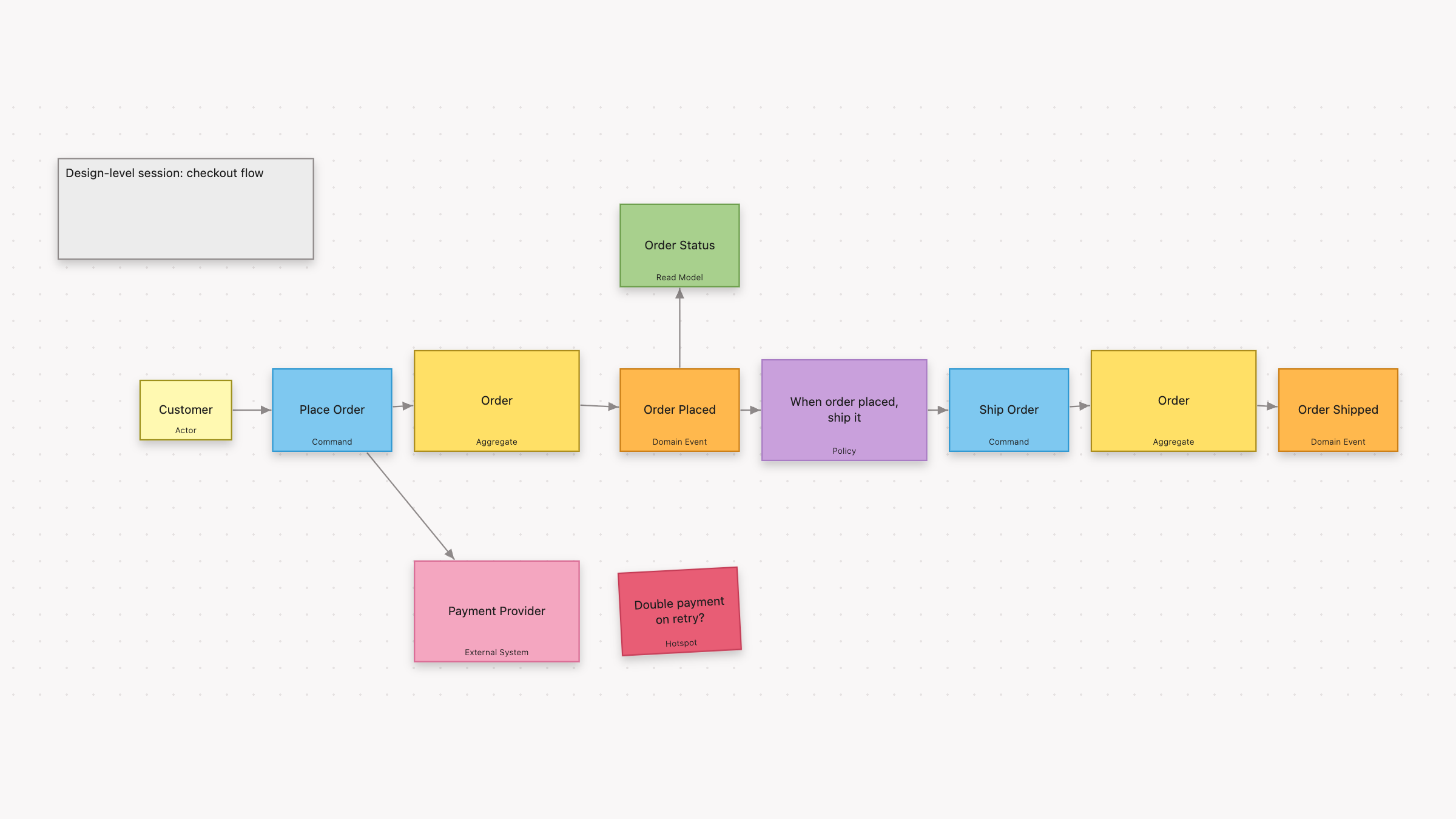
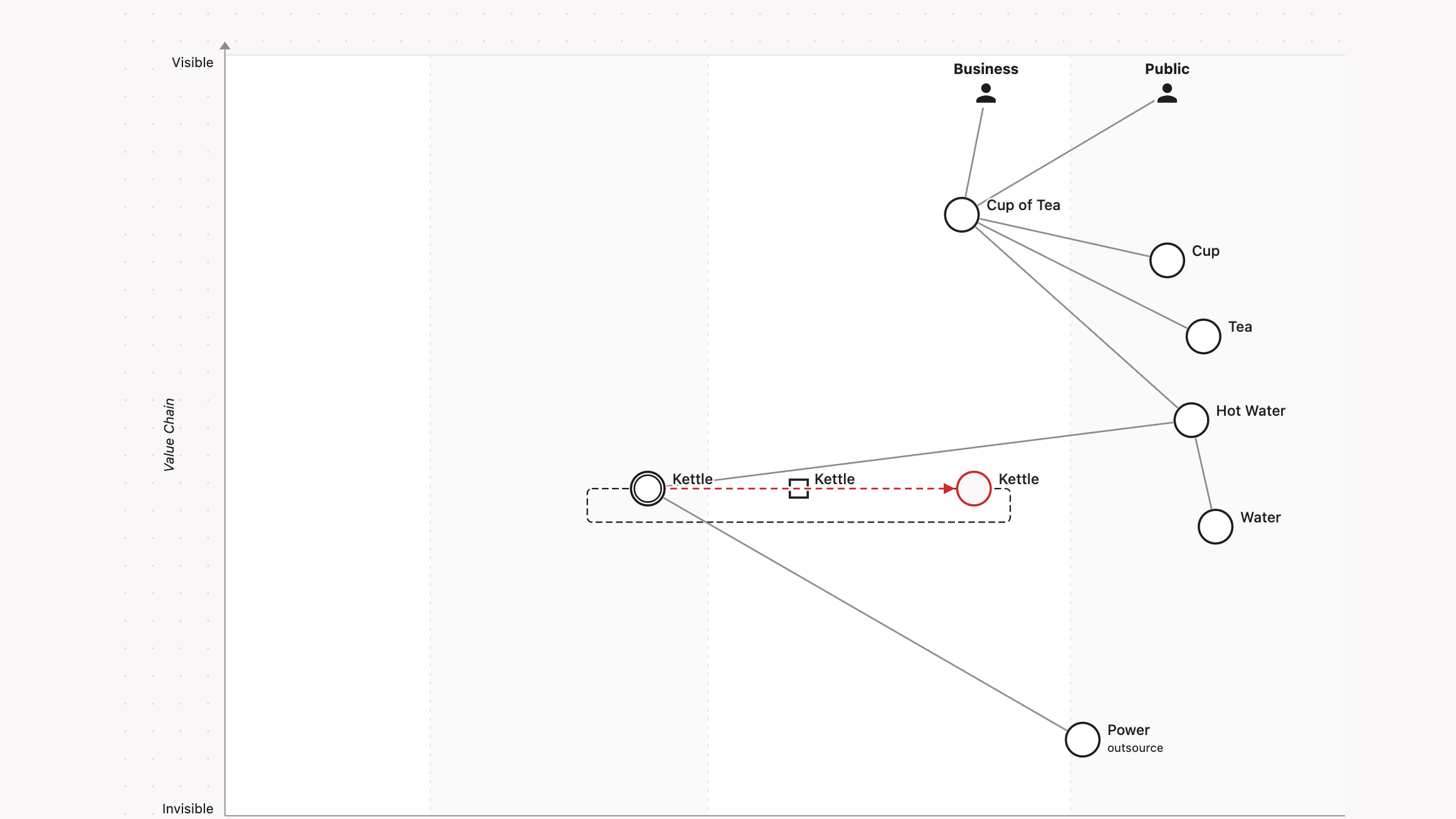
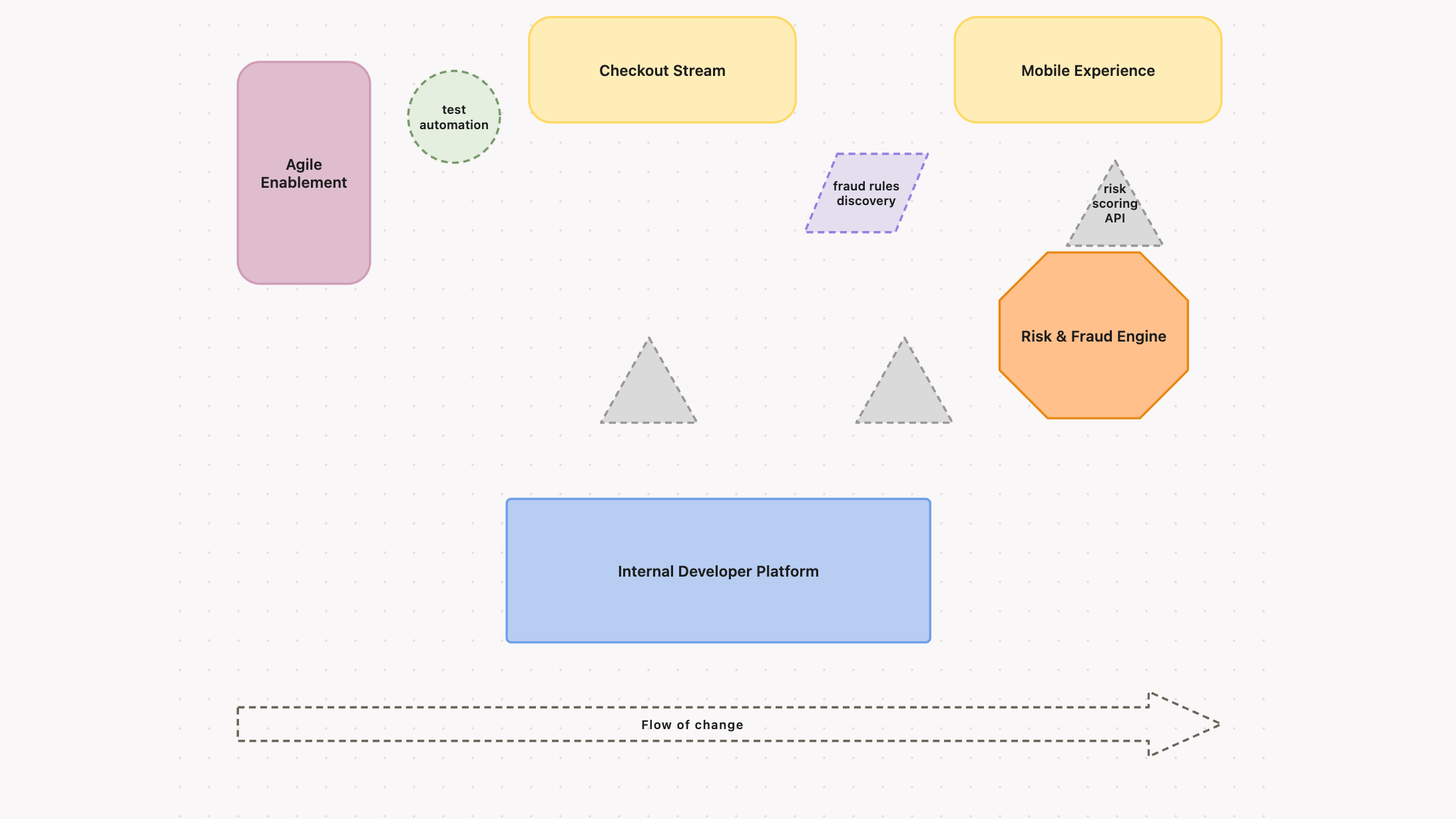
BPMN and DMN render with bpmn-js and dmn-js from bpmn.io. Wardley Maps, Team Topologies, Event Storming, Context Maps and Value Chains use the renderers of the Miragon modelers. Excalidraw files use Excalidraw's own export code.
How they look
Each picture is the test file of that notation in Diagit's viewer.
Open a file from your disk
Diagit has its own viewer page for files that are not in a repository. Drop a file on it or press Open file…. The file is read in the browser and never leaves your machine.
When Diagit cannot find where to show its view on a file page, for example after GitHub or GitLab changed their layout, it says so in a notice at the bottom right. Open in Diagit in that notice opens the file in this viewer. Diagit reads it with the login you already have in the browser, and only from GitHub, GitLab and the domains you allowed.
The same goes for a changed model in a pull or merge request: when Diagit does not recognise the diff view, it shows a notice above the file. Open in Diagit in that notice opens the Plain and Diff views of that file in this viewer.
To open the viewer, click the Diagit icon in the browser toolbar and then Open a file on Diagit's options page. You can also open it by address:
| Browser | Address |
|---|---|
| Chrome | chrome-extension://bjphfmmlciflmdcnpfpbnkmgnkiabfdh/viewer.html |
| Edge | extension://pphcelcgicmpdkkbginmkdogceepigen/viewer.html |
| Firefox | moz-extension://<Internal UUID>/viewer.html, the UUID is listed for Diagit under about:debugging#/runtime/this-firefox |
Next steps
- Review a model change: the diff for BPMN.
- Getting started: install Diagit and open a first model.